Log In Process – Access Your Existing Account
Log In Process – Access Your Existing Account
Precondition:
This process is for users who already have an enterprise account and
want to log in.
Here is a video that may be helpful.
1. Step 1: Go to the Log In Page
· From the homepage, select “Log in”.
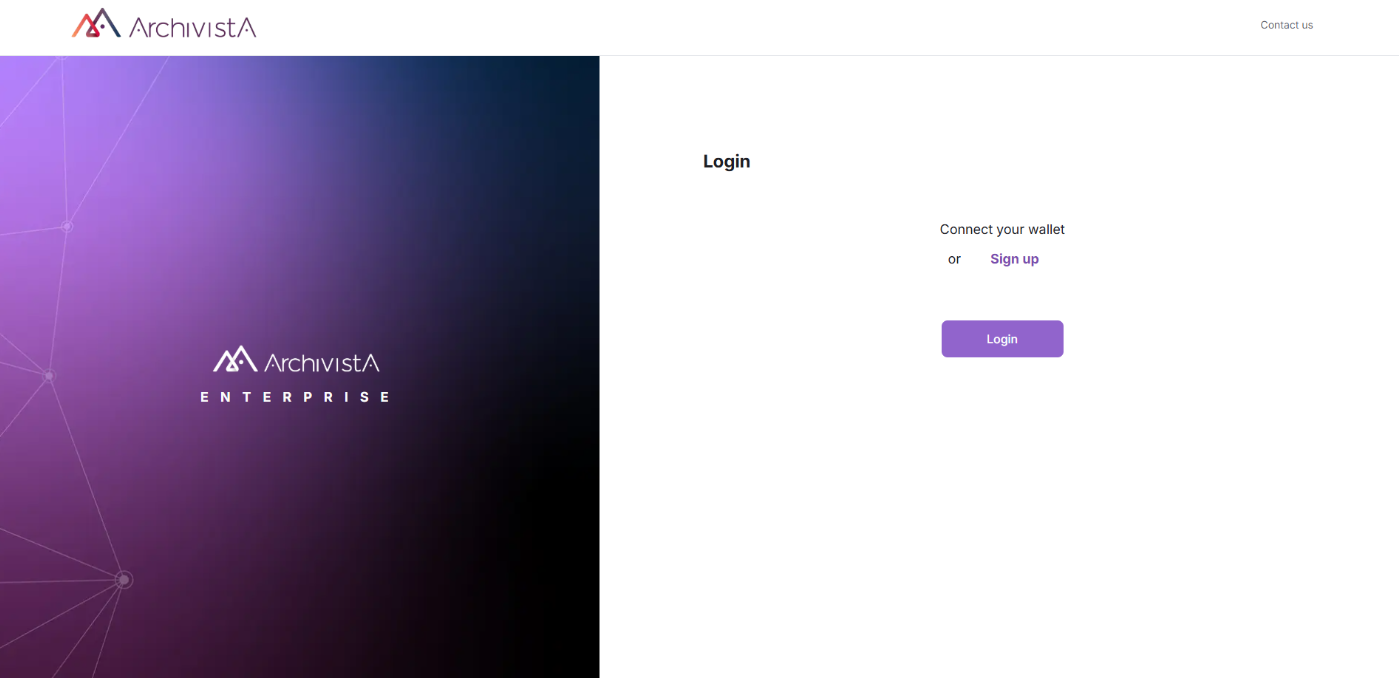
2. Step 2: Connect Your Account
· Choose how you want to log in:
o Email
o Wallet
· Enter your credentials.
3. Verification in Progress
· After submitting, you'll see a screen showing that your login is being
verified.
· This may take a few seconds.
4. Successful Access
· Once verified, you’ll be redirected to your organization dashboard
and app.
Related Articles
Sign Up Process – Create a New Enterprise Account
Sign Up Process – Create a New Enterprise Account Using an Email Address Here is a video that may help you <br> This process is for new users who want to create an organization and start building an app. 1. Go to the Sign-Up Page · Navigate to ...How to Create and Publish Your App
How to Create and Publish Your App Welcome! This guide walks you through the full process of setting up, customizing, and publishing your app using our no-code interface. Whether you're just getting started or returning to build a new project, these ...How to Edit and Republish Your App
How to Edit and Republish Your App Need to make changes after publishing your app? No problem! You can easily update your branding, layout, or organization info and republish in just a few steps. Here is a video that may be useful to you. ...